
On several projects we now use Claude Code, Anthropic’s coding agent, together with Playwright and TypeScript. The result is automated test coverage at a pace we could not reach before.
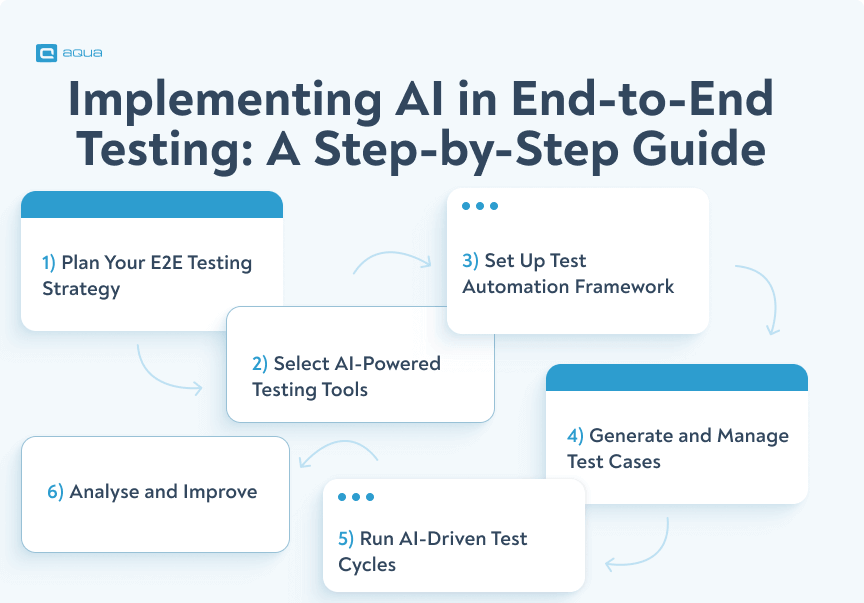
What the team gains
- Regression safety. A test written once runs on every release.
- Faster feedback. A broken flow shows up in CI at once, not in a QA session days later.
- Confidence to ship. A green suite means the team can deploy without fear of silent regressions.
- Consistency. Locator strategy, step naming and page-object structure are the same across the suite.
Why end-to-end tests matter
Unit and integration tests check that individual pieces of code work on their own. They are fast and developers like them, but they cannot answer the question that matters to a user: does the whole flow work, end to end, in a real browser?
In a complex web application the critical paths cross many layers: multi-step workflows, external integrations, rich UI components. An operation may start in a calendar, pass through a form with dependent dropdowns and end in a generated document that has to contain the right line items. A unit test cannot catch a regression in that chain. A manual tester can, but not on every pull request, not in every browser, and not without the work piling up over time.
End-to-end tests close that gap. They do exactly what a user does: open the browser, log in, navigate, fill in forms and check that the right things appear on screen.
How it works
It starts with a detailed CLAUDE.md instruction file at the root of the test project. Claude Code reads it at the start of every session. The file holds the project conventions: the locator hierarchy, naming rules, the page object model, forbidden patterns and the structure of the CI pipeline.
Adding a test
- Describe the user flow to test in plain language.
- Claude generates the page object, the fixture registration and the spec file from our instructions.
- The tests run. Failures are analysed and fixed in the same session.
npm run lintruns automatically. Every issue is resolved before the session ends.- Claude checks the implementation against the current Playwright documentation through an MCP integration and fixes anything that is outdated.
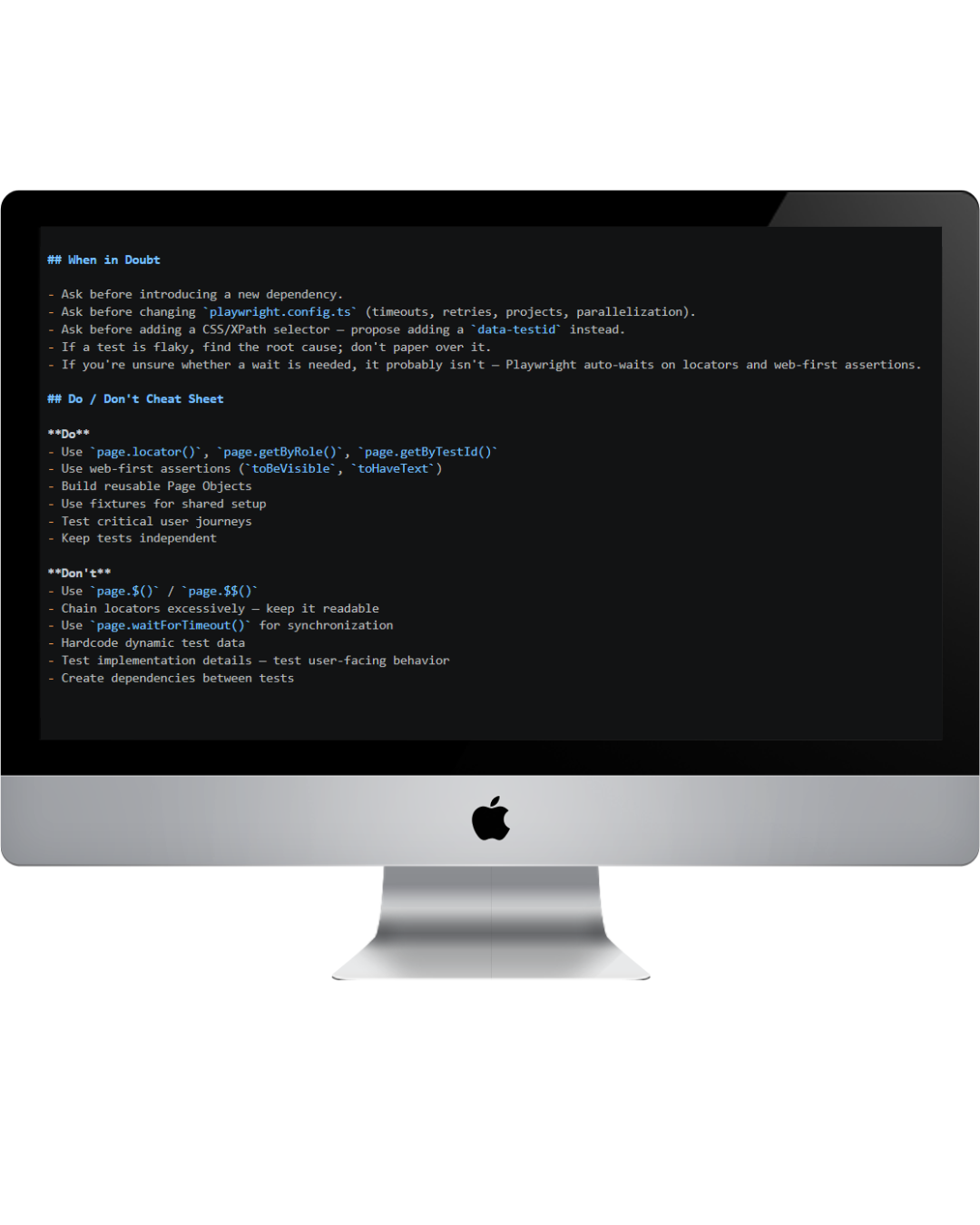
Prompts that work
The prompts that work read like a manual test case:
“Test that a user can create a new task by filling in the subject, description and expiry date, selecting a receiver from a dropdown, saving, and then verifying that the task appears in the accordion panel under the correct animal.”
Claude reads this together with the instruction file and produces a page object with private read-only locators, a fixture entry and a spec file in Arrange-Act-Assert structure with test.step() blocks. It matches what the team would write by hand.
For a page that already has a page object, the prompt refers to it: “Extend the existing TaskPage with an edit flow via the context menu.” Claude reads the existing file, follows its patterns and adds only what is needed, without refactoring, new abstractions or scope creep.
When a test fails
When a generated test fails on its first run, the failure output goes back to Claude. It reads the error, decides whether the problem is a locator, timing or logic, and proposes a targeted fix. That loop moves much faster with AI in it than when failures are worked through by hand.
If a locator does not exist in the application yet, Claude says so and proposes a data-testid attribute in the Angular template. The test code stays clean, and the application becomes easier to test as a side effect.
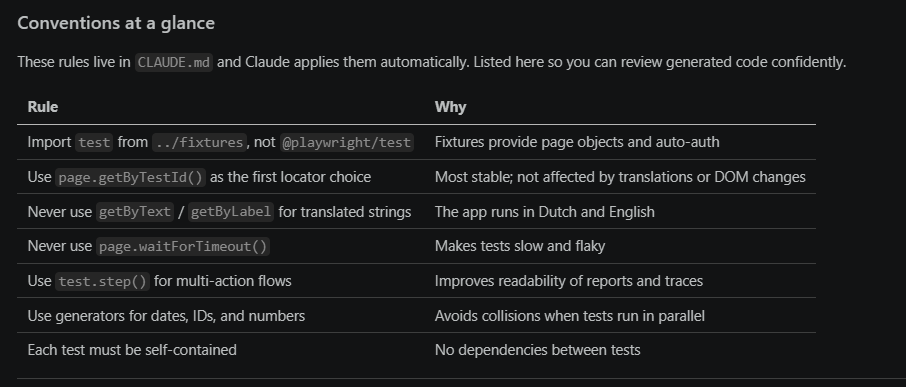
Technical foundation
- Page objects. The UI is wrapped in a class with private read-only locators and public action and assertion methods.
- Custom fixtures. Dependency injection handles setup and authentication before every test.
- Locator hierarchy. testId, then role, then label or placeholder.
- Test data lives in JSON files with unique IDs, so tests can run in parallel.
- CI. Azure DevOps runs the suite in parallel with retries, with reporting for the pipeline dashboards.
What it brings
- Coverage. Less effort per test leaves more time for the critical flows, and the application becomes more stable.
- Regression detection. Critical flows run on every commit.
- Onboarding. New team members read the suite to learn how features are supposed to behave.
- Faster UI changes. A change is isolated to its page object, so updates are quick and predictable.